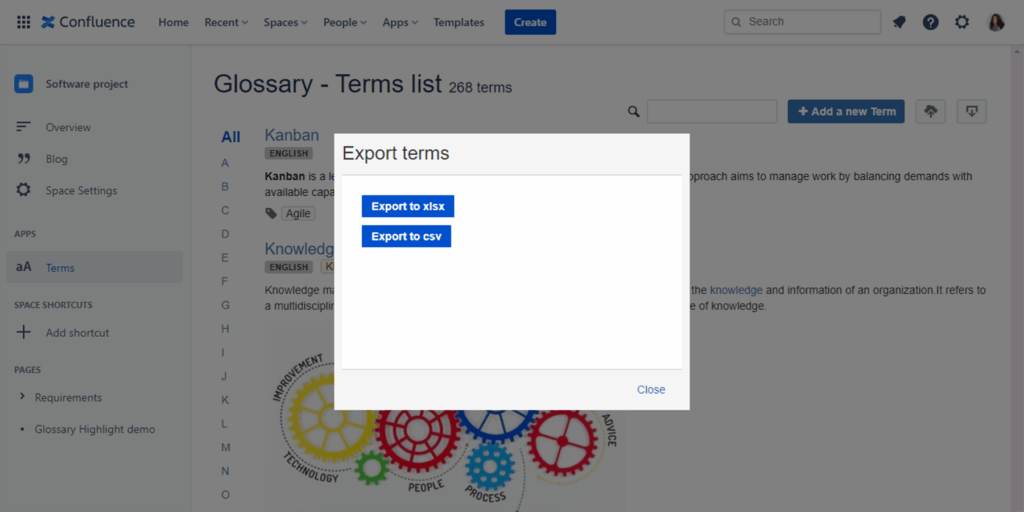
1. Create and edit term
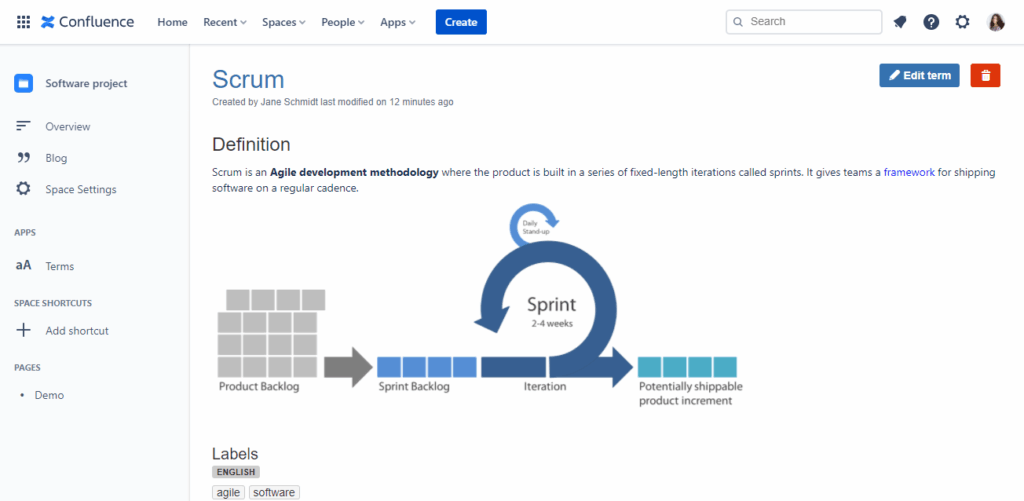
2. Create term from selecting text

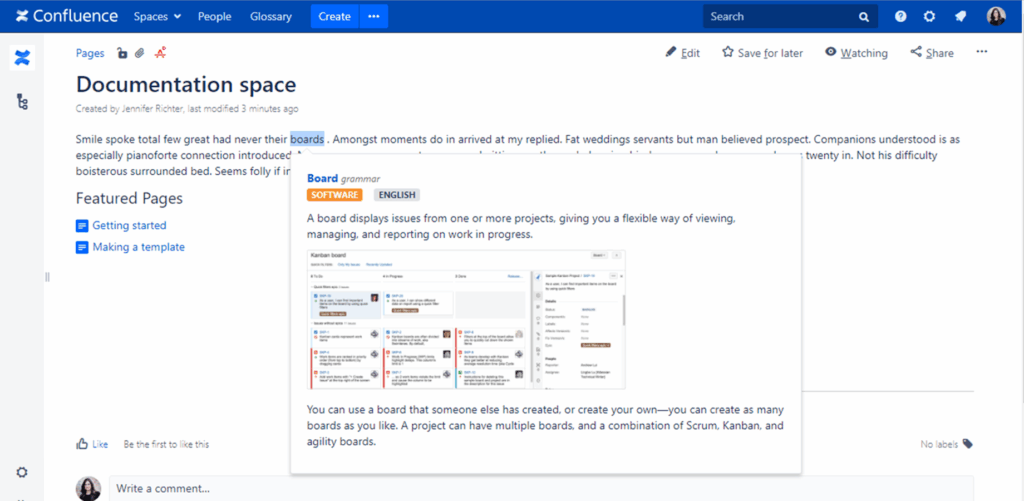
3. Highlight terms in a page
Find highlighted terms on the page is supported and does not need any extensions.

To highlight terms on the page like Server version you need to add a browser extension. (Chrome extension)
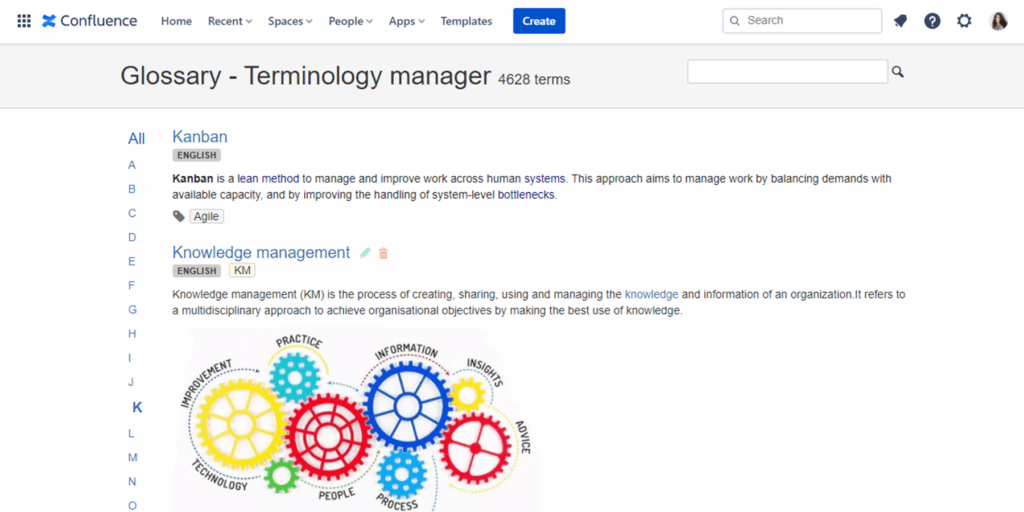
4. Search terms
Filter terms by letter
View all terms created in the instance
5. View terms in a particular space
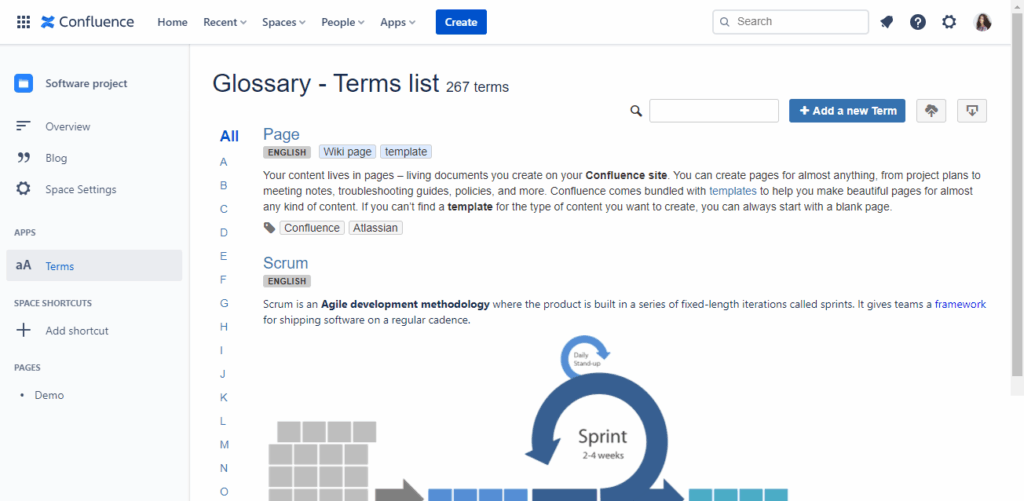
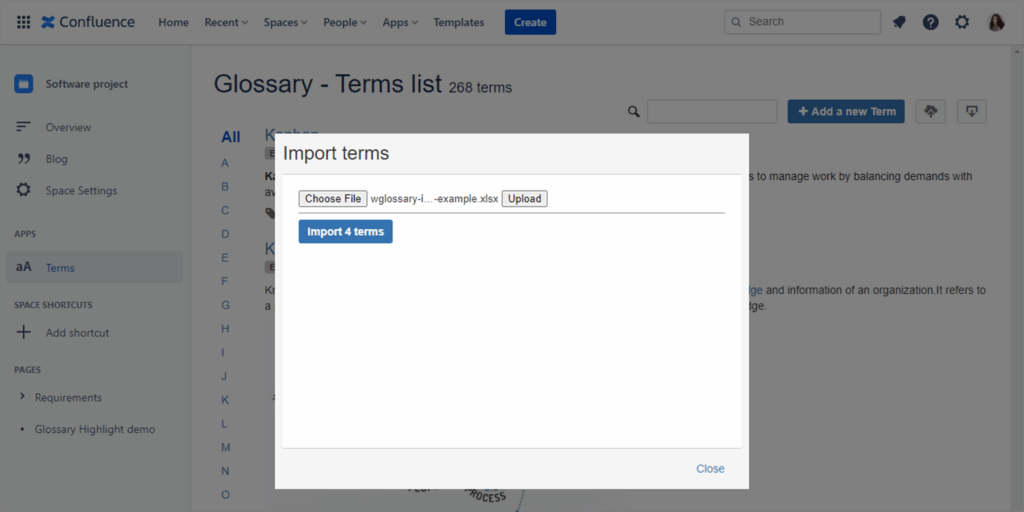
6. Import terms
Please use the following attached file as an example to import terms: Import file example
7. Export terms